Operations
How to Export Your Customer List and Menu from GloriaFood
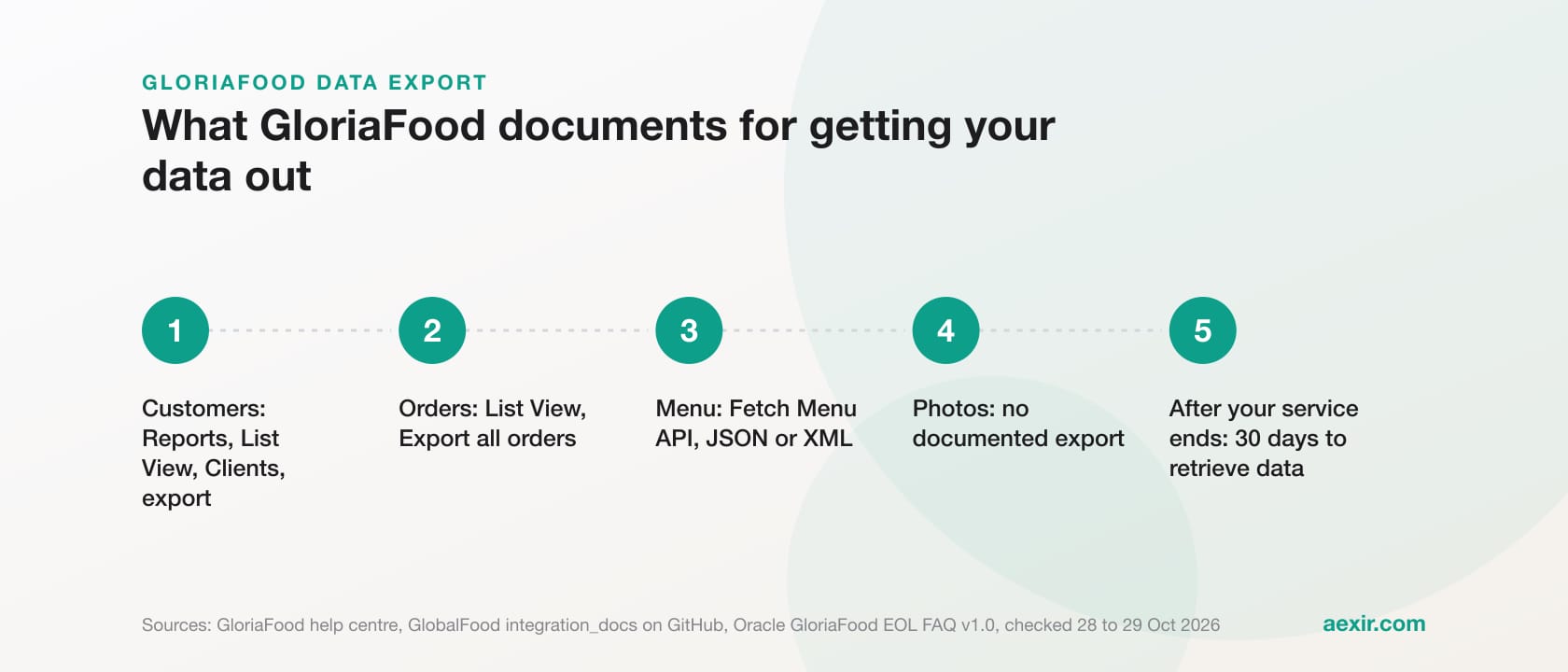
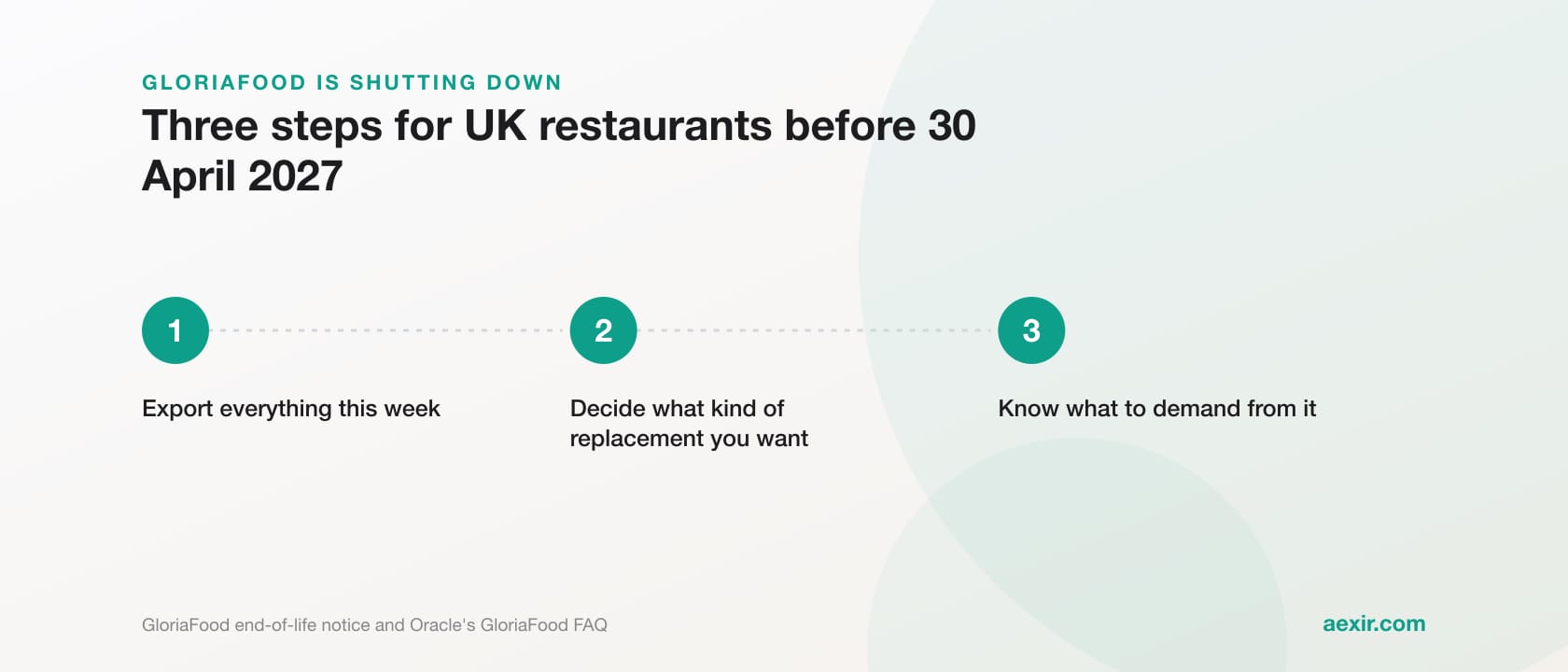
Chart: Aexir, from the figures in this article
GloriaFood documents two ways to get your data out. Your customer list exports from Reports, List View, Clients, with each customer’s name, email address, phone number, total spent, total orders and last order time; orders export from the same List View. Your menu comes out through the Fetch Menu API as a JSON or XML file. Photos have no documented export. Oracle allows 30 days to retrieve data after your service ends, so export now, not then.
Every step below comes from GloriaFood’s own pages, its help centre at orderingsystem.helpjuice.com (which GloriaFood’s blog links to), GloriaFood’s developer documentation on GitHub or Oracle’s end-of-life FAQ, read on 28 and 29 October 2026. Several guides online describe a button that saves your menu as a CSV file; we could not find it in GloriaFood’s own documentation, so it is not here. Where GloriaFood documents no click path, we say so rather than guess.
Deadline first. Oracle’s FAQ says GloriaFood ends on 30 April 2027, paid services stop when your final renewal runs out (between 1 and 30 April 2027), and you then have 30 days to retrieve your data. Run every export while your account is fully working, and again a few days before you switch off.
What GloriaFood documents, and where
Each row shows the documented method, the file format where one is stated, and the source. “Not stated” means the source gives no format, not that the export is impossible.
| Data | Documented method | Format | Source (checked 28 or 29 October 2026) |
|---|---|---|---|
| Customer list: name, email address, phone number, total spent, total orders, last order time | Reports, List View, Clients, then export; the marketing consent field can be added to the export | Not stated for the clients list | GloriaFood help centre articles on restaurant reports and on using your reports and data (orderingsystem.helpjuice.com, 29 October 2026); gloriafood.com/how-to-use-restaurant-analytics (updated 27 November 2025) |
| Order history | Reports, List View, Orders, Export all orders, then Custom to pick the fields; the export page filters by time, type and status | Not stated for the orders list | gloriafood.com/how-to-keep-customers-coming-back-to-your-restaurant (updated 27 November 2025); GloriaFood help centre, restaurant reports article |
| Report charts and tables: sales summary, promotion stats, new and returning client counts | Export from that section of Reports | Sales summary: PDF, CSV or Excel. Promotion stats: CSV or XLS. Client counts: PDF, PNG or CSV | GloriaFood help centre, restaurant reports article; gloriafood.com/gloriafood-updates-november-2023 (updated 27 November 2025) |
| Menu: categories, items, descriptions, prices, sizes, option groups, options, tags, allergens, nutritional values | Fetch Menu API: generate a key, then request https://pos.globalfoodsoft.com/pos/menu | JSON (the default) or XML | github.com/GlobalFood/integration_docs, fetch_menu README (last changed 7 November 2024) |
| Menu photos | No documented export; the sample menu response carries a numeric picture_id, not a picture file | Not documented | The same GitHub README and its sample menu.json |
| Your data after your service ends | Retrieve it for 30 days after expiration, termination or cancellation; data retrieval requests go through the chat in your restaurant account portal | Not stated | Oracle GloriaFood EOL FAQ, version 1.0, March 2026: oracle.com/webfolder/dms/prod/d3/FAQs-GL.pdf |
Sources: GloriaFood’s and Oracle’s own pages and documentation, read on 28 and 29 October 2026. No third-party guides.
How to export your GloriaFood customer list
GloriaFood’s reporting module sits under Reports in your admin panel, and two parts of it look alike. The Clients section shows charts of new and returning customers; GloriaFood’s help centre says that report exports as PDF, PNG or CSV, but it holds counts, not your customers. The list you want is under List View, where the help centre says the clients export gives every client’s name, email address, phone number, total spent, total orders and last order time.
- Log in to your GloriaFood restaurant admin panel and open Reports, then List View.
- Choose Clients and check the list shows the customers you expect.
- Export it with the marketing consent field added. GloriaFood’s help centre says the consent can be added when you export the clients or orders list, to show who is open to further messages. You need that column for the marketing rules below.
- Save the file somewhere secure straight away, with the date in the file name, for example clients-2026-10-29.
- If you cannot find the export, ask support through the chat in your restaurant account portal, which Oracle’s FAQ names as the channel for data retrieval requests.
- If you run more than one location in GloriaFood, check each location’s list.
Export your order history too
GloriaFood documents the orders export in the most detail: Reports, List View, Orders, Export all orders, then Custom to choose the fields (its own example picks Order ID, Total and Marketing source). The help centre adds that the export page filters by time, type, status and custom fields. For a move, pick the widest time range and tick every field you might want later. Order history also shows who your regulars are.
How to export your GloriaFood menu with the Fetch Menu API
GloriaFood’s documented menu export is an API, not a download button. Its developer documentation on GitHub lists Fetch Menu as one of three integration APIs, beside Accepted Orders and Client Payments. You need a key and one web request: a short job for anyone comfortable with a terminal, or something a developer or your new provider can run for you.
- In the Restaurant Admin Panel, go to Others (look for the ... icon), then 3rd party integrations, then Enabled integrations.
- Select the template Fetch Menu and generate the key. The documentation says the key is unique to each restaurant location, so multi-location owners need one key per location.
- Send a GET request to https://pos.globalfoodsoft.com/pos/menu with the key in the Authorization header, the header Glf-Api-Version set to 2, and Accept set to application/json or application/xml. JSON is the default.
- Save the response as a file, for example menu-2026-10-28.json, and keep it with your customer export.
In a terminal, GloriaFood’s documented example comes down to one line: curl "https://pos.globalfoodsoft.com/pos/menu" -H "Authorization: YOUR_KEY" -H "Accept: application/json" -H "Glf-Api-Version: 2" > menu.json. Replace YOUR_KEY with your key. If the saved file holds an error message instead of your categories, check the key and the three headers. The documentation adds that a Fetch Menu key does not grant access to GloriaFood’s Accepted Orders API.
What the menu file includes, and what it leaves out
- Included, per the documented fields: currency, categories, items with names, descriptions and prices, sizes, option groups with minimum and maximum choices, options with prices, dietary tags such as vegan or halal, allergens, nutritional values, order types and kitchen ticket names.
- Not included: photos. The field list documents no picture, and the sample response shows only numeric picture_id values on categories, not images you can save. Keep your original photo files.
- Also not in the documented fields: opening hours, delivery zones and charges, promo codes and your website settings. Copy or screenshot those from the admin panel by hand.
- The documentation warns that responses can carry undocumented fields that are deprecated or internal, so extra fields are normal.
What the 30-day window means
Oracle’s end-of-life FAQ (version 1.0, March 2026) says that following expiration, termination or cancellation of your GloriaFood services, you may retrieve your data for 30 days. Read that with three other lines in the same FAQ. The free plan stays available until 30 April 2027. Paid services end when your final renewal expires, between 1 and 30 April 2027, because renewals are only accepted up to one month before the end date. If you cancel paid online ordering early in the admin panel, you keep access until your next renewal date. Questions and data retrieval requests go through the chat in your restaurant account portal.
| Worked example (our reading of Oracle’s FAQ) | Service ends | 30-day retrieval window closes |
|---|---|---|
| Free plan running to the end | 30 April 2027 | 30 May 2027 |
| Paid add-on on a 30-day term renewed on 3 March 2027 (Oracle’s own example) | 3 April 2027 | 3 May 2027 |
| Paid online ordering cancelled early in the admin panel | Your next renewal date | 30 days after that date |
Worked example: the last column is our arithmetic on Oracle’s 30-day rule, not dates Oracle publishes. Source: Oracle GloriaFood EOL FAQ, version 1.0, March 2026, checked 28 October 2026.
Treat the 30 days as a safety net, not a plan. The FAQ does not say whether your admin panel stays open during the window, what format the data comes in or how long a chat request takes.
What to do with the files once you have them
- Keep one untouched copy of every export, dated, before you open or edit anything.
- Open a working copy in a spreadsheet and check the columns. Spreadsheet programs can strip the leading zero or plus sign from phone numbers, so format the phone column as text before you save.
- Remove test orders and duplicates from the working copy only.
- Check the menu file against your live menu, item by item, with prices, sizes and options, before you hand it to anyone.
- Store the files somewhere access-controlled, such as an encrypted drive, and delete stray copies from downloads folders and email.
- Send your new provider the menu, and only the customer data it needs to do its job.
GDPR basics for moving a customer list
A customer list is personal data. In the UK the regulator is the Information Commissioner’s Office (ICO), and the points below come from its guidance on ico.org.uk, checked on 28 October 2026; the ICO notes some of it is under review after the Data (Use and Access) Act. EU restaurants work under the EU GDPR and their national regulator, and other countries have their own laws, so check locally. This is a summary, not legal advice.
- Keep it secure. The ICO’s security principle requires appropriate technical and organisational measures. A customer file left on a shared counter laptop or posted in a staff group chat would be hard to defend.
- Do not keep it longer than you need. Under the storage limitation principle you must be able to justify how long you hold personal data, and erase what you no longer need, old copies included.
- Put a contract in place with your new provider. The ICO says that whenever a controller uses a processor there must be a written contract, covering security, sub-processors and deleting or returning the data at the end. Check that your provider’s terms cover this.
- Check consent before you market. Under the ICO’s electronic mail marketing rules, you can email or text someone who specifically consented, or an existing customer who bought from you, about similar products, if they were given a clear chance to opt out when you collected their details and in every message since (the soft opt-in).
- Know what counts as marketing. The ICO says routine customer service messages, such as delivery arrangements or changes to terms, are not direct marketing, but a message with significant promotional material in it is. We would treat an invitation to order through your new app as marketing.
Use the marketing consent column from your export. GloriaFood’s help centre says its ordering widget asks for marketing consent at checkout, with consent off by default in the UK, France and most of Europe. Its guide to inviting existing clients by email or text says to upload only real customers who have ordered before and agreed to receive such messages, with past unsubscribes removed, and to check with a local legal adviser if unsure. If your records cannot show that a customer agreed to marketing or was offered an opt-out, leave them out of the email and reach them another way: a notice on your website, your social pages, a printed card in every order bag.
Moving to Aexir: send your menu in any form
Aexir is an online ordering system for independent restaurants and takeaways: their own branded iOS and Android ordering app, ordering website and browser till (POS on the Go), for a flat monthly fee at published prices. Aexir Digital Ltd is based in Manchester and sets up restaurants in the UK, France and worldwide. Setup is done by Aexir, and your menu is built in from whatever form you have it: the Fetch Menu file, a spreadsheet, a PDF or photos of a printed menu. You review everything before it goes live. Keep your dish photos to hand, because the Fetch Menu file does not carry them. Your customer list stays yours, to use within the rules above.
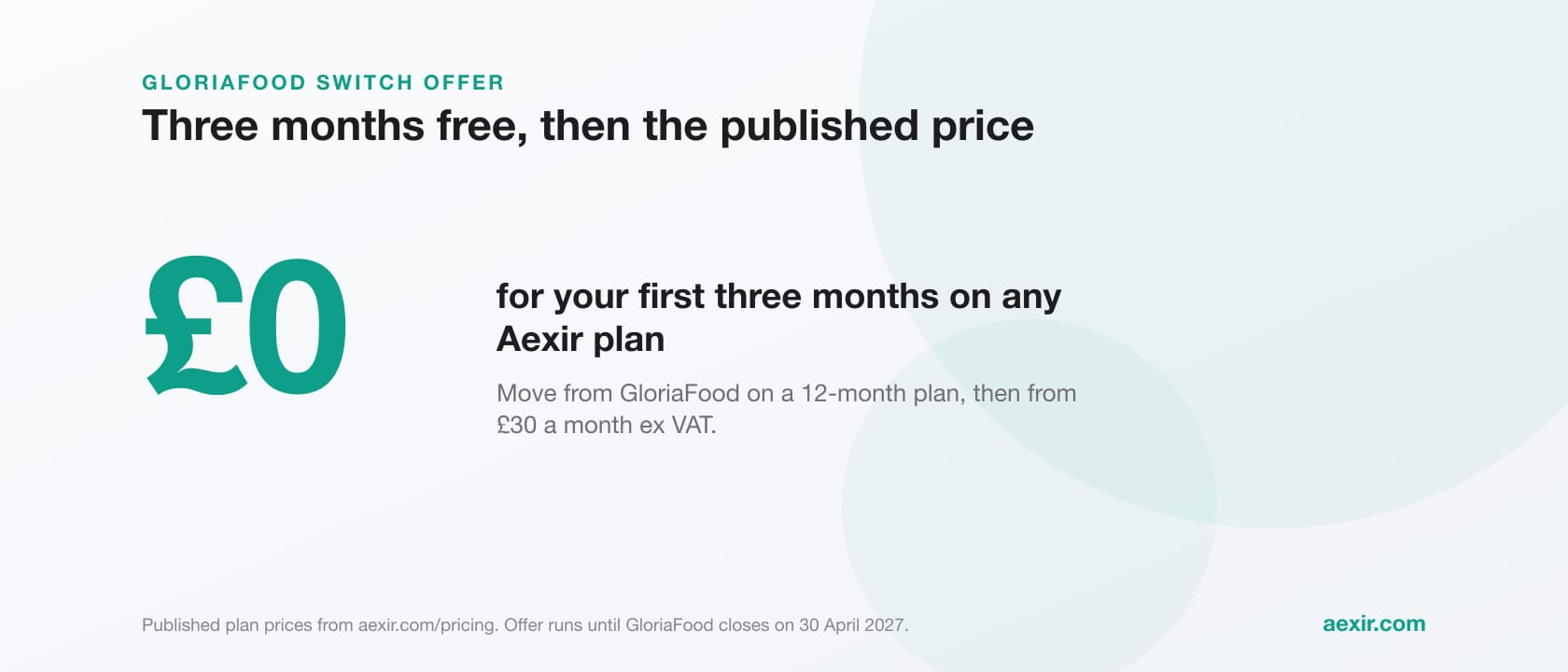
Published prices are Web £30, Starter £30, Plus £40 and Pro £50 a month before tax (ex VAT in the UK); France has its own list of 40 € (Web and Starter), 50 € (Plus) and 60 € (Pro) a month HT. Every plan is on the pricing page. The GloriaFood switch offer is open in every country: sign any plan on a 12-month term before 30 April 2027 and the first three months are £0 (0 € in France), then the published price from month four. Cancel before the 12 paid months finish and the free months are charged at the published price. Outside the UK and France, check currency, tax, card payments and delivery for your country with us on the call before you sign.
Leaving GloriaFood? Bring your exports
Read the full switch offer terms and book a call. Send your menu in whatever form you have it, and setup is done for you.
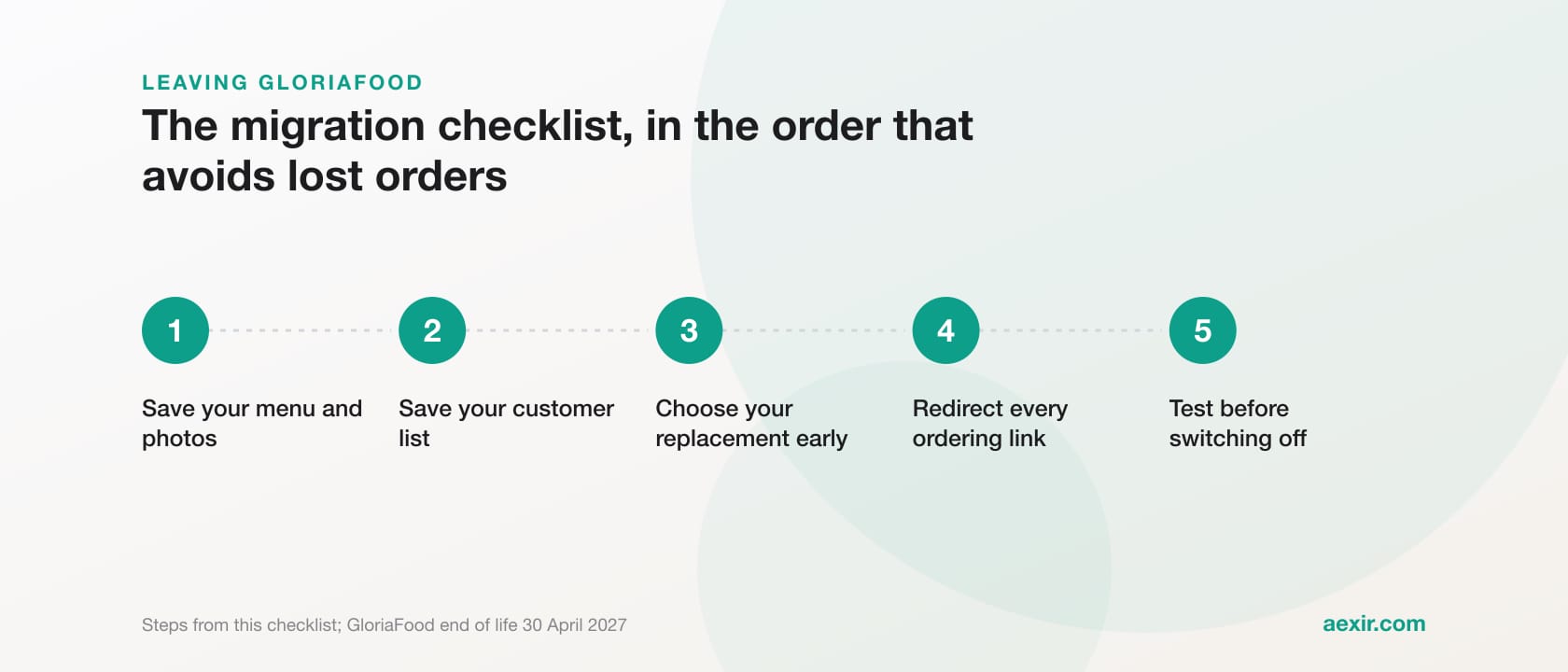
See the switch offerFor the rest of the move, from QR codes to test orders, use the full GloriaFood migration checklist; the GloriaFood alternative page shows what replaces each part of GloriaFood.
Talk to a real person about switching
Common questions answered.
Yes. GloriaFood’s help centre says Reports, List View, Clients exports every client’s name, email address, phone number, total spent, total orders and last order time, and that you can add the marketing consent field. If you cannot find it, ask support through the chat in your restaurant account portal.
GloriaFood does not state a format for the clients list itself. Its help centre gives formats for other reports: the sales summary exports as PDF, CSV or Excel, promotion stats as CSV or XLS, and the new and returning clients chart as PDF, PNG or CSV.
Not one GloriaFood documents. The documented route is the Fetch Menu API: generate a key from the Fetch Menu template under Others, 3rd party integrations, then request https://pos.globalfoodsoft.com/pos/menu. It returns your menu as JSON or XML.
No. The Fetch Menu documentation lists no picture field, and its sample response shows only a numeric picture_id, not an image file. Keep your original photo files for your new provider.
Oracle’s FAQ says you may retrieve your data for 30 days after your services expire, are terminated or are cancelled. On our reading, a free plan running to 30 April 2027 leaves a window until 30 May 2027. The FAQ does not say how retrieval works, so export while your account is live.
Only within the marketing rules. In the UK, ICO guidance allows email or texts to people who specifically consented, or to existing customers, about similar products, if they were offered a clear opt-out when their details were collected and in every message (the soft opt-in). We would treat promoting your new app as marketing. Elsewhere, check local rules.
Yes. Aexir builds your menu at setup from whatever form you have it, including the Fetch Menu file, a spreadsheet, a PDF or photos, and you review everything before it goes live. The Fetch Menu file has no photos, so keep your dish photos to hand.
Build your own restaurant app.
Aexir launches branded ordering apps for UK restaurants in under 30 days. A flat monthly fee at published prices. From £1/day.