Your own ordering app and website for your burger shop
An online ordering system for burger restaurants and smash burger takeaways: your own branded iOS and Android app, ordering website and browser till (POS on the Go), built around patties, extras and meal deals, for a flat monthly fee at published prices from £30 a month ex VAT.
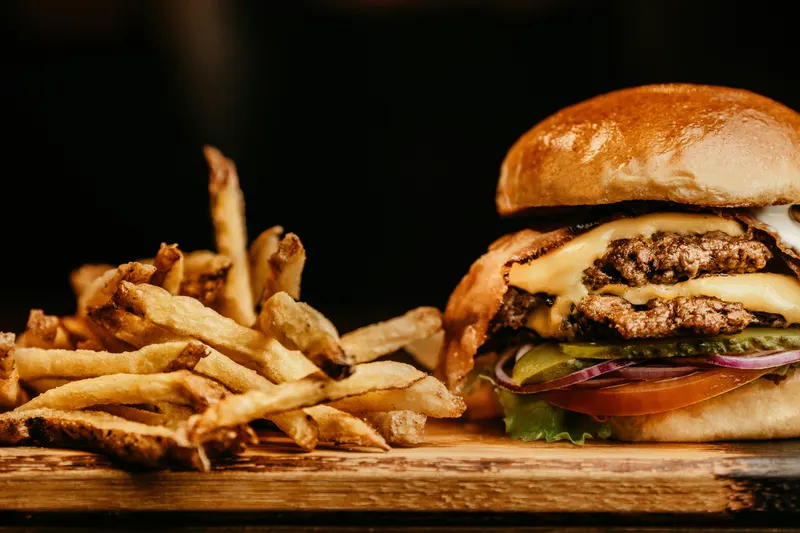
Aexir is an online ordering system for independent restaurants and takeaways: their own branded iOS and Android ordering app, ordering website and browser till (POS on the Go), for a flat monthly fee at published prices. For a burger restaurant or a smash burger takeaway that means a menu that handles single, double and triple patties, paid extras and meal upgrades properly, orders that arrive paid with every choice listed, and customers who stay on your list rather than a marketplace's. Aexir Digital Ltd is based in Manchester and sets up restaurants in the UK, France and worldwide.
What you get.
Patties, extras and swaps, each priced
Set each burger up once, then add option groups: single, double or triple patty, extra cheese, bacon, jalapeños, a bun swap. Every extra carries its own price, so a loaded double rings up correctly instead of being worked out at the counter.
Meal upgrades and sharing boxes
Put a "make it a meal" choice on every burger with a side and a drink, or build boxes for two or four at a fixed price with choices inside. The price updates as the customer picks, and the order arrives with every choice listed.
Your delivery area, your drivers
Set your delivery area, a minimum order and estimated times (POS on the Go also lets you draw delivery zones on a map, though app and website checkout currently prices delivery by distance), and use your own drivers or partner couriers charged per delivery. A burger that travels too far arrives cold and soft, so a tight zone protects the food as well as the margin.
Stock counts for buns and specials
On the Web and Pro plans, POS on the Go lets you give an item a stock count that goes down as orders are sold, so you can see what is left of a limited monthly burger or the last tray of brioche buns on a Saturday night. Taking the item off sale stays your call: one tap on the Stock screen.
Loyalty built for burger regulars
Run stamps, points or tiers. A stamp per burger with a free burger at ten, or points per pound with a free side or shake at a threshold, all tracked in the app with no paper cards to lose.
Push notifications and promo codes
Tell everyone with your app about this month's special or a quiet-night offer in seconds, and issue promo codes for first orders, students or a local event.
Running a burger shop on your own ordering channel.
How to structure a burger menu for online ordering
At the counter, your staff suggest the bacon, the loaded fries and the shake. Online, the menu has to do that job on its own, on a phone screen, so structure matters more than it does on a printed board.
A layout that works for most burger menus:
- Burgers: one item per burger, with patty count (single, double, triple) as a choice the customer has to make, rather than three separate items. It keeps the menu short and easy to scroll.
- Paid extras: extra cheese, bacon, an extra patty, jalapeños, onion rings in the bun. One optional group per burger, with a price on each.
- Free choices and removals: sauce, no onions, no pickles. A free group with a limit on how many can be picked stops the twelve-sauce order.
- Meal upgrade: a "make it a meal" group on every burger, with fries and a drink at a fixed supplement and swaps to loaded fries or onion rings for a little more. Putting it on the burger itself puts the choice in front of every customer.
- Sides and loaded fries: loaded fries as their own items, with toppings as extras in the same way as the burgers.
- Boxes for two and four: burgers, sides and drinks at one fixed price, with the choices inside the box.
- Plant-based and gluten-free: a plant patty or a gluten-free bun as a swap inside each burger, with the allergen detail in the item description.
- Shakes and desserts: near the end of the menu, where customers land just before checkout.
Allergens and calories on an online burger menu
Buns, cheese, sauces and coatings are where most of the allergens on a burger menu come from: gluten in buns and onion ring batter, milk in cheese and in many brioche buns, egg in mayonnaise-based sauces and many brioche buns, sesame on seeded buns, and mustard in many burger sauces. Check your supplier specification sheets rather than relying on memory, because recipes and suppliers change.
For food ordered online, the Food Standards Agency's best-practice guidance says allergen information should be available before the order is completed and again when the food is delivered, for example on a sticker or a printed menu in the bag (Allergen information for non-prepacked foods: best practice, gov.uk, checked 28 October 2026). In Aexir every item has its own description where you list allergens, and you can change it from your dashboard the moment a supplier changes.
Calories: in England, businesses with 250 or more employees must show calories on their menus, including online menus and delivery apps (The Calorie Labelling (Out of Home Sector) (England) Regulations 2021, gov.uk implementation guidance, checked 28 October 2026). An independent burger shop below that size does not have to, although you can add calories to item descriptions if you choose.
Peak times: plan the grill, not just the menu
Your own order history is the only reliable guide to your peaks, and the analytics in Aexir show what time your orders come in. The pressure points to plan for are typically the evening rush, Friday and Saturday nights, and match days or events if you are near a ground or a venue.
Smash burgers cook in minutes, but a flat-top only takes so many patties at once, and online orders that land in a burst queue behind the walk-ins. The practical levers are simple: quote a longer collection time at peak, set delivery estimates you can actually meet, keep the delivery zone tight so food arrives hot, and send your promotions on the quiet nights rather than the nights you are already full.
Loyalty ideas that suit burger regulars
The best reward is cheap for you to give and feels generous to receive. A side or a shake costs you far less than its menu price. Ideas that fit a burger shop:
- Stamps: one stamp per burger, a free burger at ten. Easy to explain in one line at the counter.
- Points: points per pound spent, with a free side or shake at a threshold. Fairer to the family ordering four burgers than a stamp per order.
- Tiers: a top tier for your most frequent customers with a standing perk, such as a free extra patty on Tuesdays.
- First-order promo code: printed on a card at the counter and in your collection bags, for customers who currently find you through a marketplace.
- A monthly special: a limited burger each month, announced by push notification, gives regulars a reason to open your app instead of a marketplace.
The commission maths on a burger order
Marketplaces charge a percentage of every order. These are the published UK rates, checked on 28 October 2026. Uber Eats lists a 30% fee on orders Uber delivers (33% for Uber One members), 13% where you deliver yourself and 13% on pick-up, all excluding VAT (merchants.ubereats.com/gb/en/pricing). Just Eat lists 14% commission plus VAT where you use your own drivers and 30% plus VAT where Just Eat delivers (just-eat.co.uk/partner/signup). Deliveroo does not publish a rate on its UK restaurant site (merchants.deliveroo.com/en-GB), so ask for yours in writing.
Worked example, not a typical order value: a burger shop taking 100 orders a week at £25 each. All figures exclude VAT.
| Channel and published rate | Fee on one £25 order | 100 orders a week | Over 52 weeks |
|---|---|---|---|
| Uber Eats, Uber delivers (30%) | £7.50 | £750 | £39,000 |
| Just Eat, Just Eat delivers (30%) | £7.50 | £750 | £39,000 |
| Just Eat, your own drivers (14%) | £3.50 | £350 | £18,200 |
| Uber Eats, you deliver or the customer collects (13%) | £3.25 | £325 | £16,900 |
| Aexir Pro, £50 a month, card payments at 2.5% + 30p | About 93p card fee | £92.50 card fees, plus the plan | £5,410 (£4,810 card fees and £600 plan) |
The 30% rates include the marketplace's courier. On your own channel you pay for delivery yourself, with your own drivers or partner couriers charged per delivery, so add that cost before comparing. Marketplaces also put you in front of customers who have never heard of you, while your own app has to be promoted. The closest like-for-like comparison is collection and own-driver orders.
To run the same sums on your own numbers, use the savings calculator linked below, or type the lines from a real marketplace statement into the free delivery statement decoder at aexir.com/delivery-statement-decoder to see what the platform kept.
How it works.
Send us your menu however you have it: a photo of the board, a PDF or the printed leaflet. We map every burger, patty option, extra, sauce and meal upgrade, so the app matches what customers already order at the counter.
We build your branded app and ordering website with your name, colours and photos. You check the menu, the price on every extra and the design, and nothing goes public until you approve it.
We submit the app to the App Store and Google Play under your own brand. Most businesses are live within 30 days of signing up.
Orders arrive at your counter on the Aexir POS or your kitchen printer, already paid, with every extra and removal listed. You cook and hand over or deliver, and the customer stays on your list rather than a marketplace's.
From £30 a month ex VAT. A flat monthly fee at published prices.
Web and Starter £30, Plus £40 and Pro £50 a month ex VAT, with card payments at 2.5% + 30p per transaction. Choose the plan that covers what you need: your own app, an ordering website, POS on the Go, or all three.
The table above is a worked example. Put your own weekly orders and average basket into the calculator to see what the published marketplace rates cost you over a year. Open the savings calculator.
Common questions.
The one that handles your menu without workarounds, takes payment and costs a predictable amount. Check that patty counts, paid extras and meal upgrades are option groups rather than separate items, that you set your own delivery area and minimum order, and that the customer data is yours. Aexir does all of that with your own branded app, ordering website and POS on the Go, for a flat monthly fee at published prices from £30 a month ex VAT.
Yes. Each burger has the option groups you define: patty count, cheese, toppings, sauces, removals and bun swaps. You decide which choices are free, which cost extra and how many can be picked, and the price updates as the customer builds it, so the order arrives priced correctly.
Add a meal upgrade group to each burger with a side and a drink at a fixed supplement, or set up boxes for two or four as their own items with the choices inside. Offers and promo codes sit on top, so you can run a midweek meal price without rebuilding the menu.
Yes. Aexir runs alongside the marketplaces but is not connected to them: marketplace orders stay on their own tablets, and orders from your own app and website arrive in Aexir. You can keep a listing for new customers and move your regulars to your own channel at your own pace.
You choose. Assign your own drivers, or use partner couriers, charged per delivery if you use them. Aexir does not run a delivery fleet. You set your delivery area and minimum order yourself.
In the UK, a month ex VAT: Web £30 (ordering website and POS on the Go, no app), Starter £30 (your own iOS and Android app), Plus £40 (app and ordering website) and Pro £50 (app, ordering website and POS on the Go). Card payments are 2.5% + 30p per transaction. On the app plans, the app store developer account is £30 a year on Aexir's account, or about £130 a year paid to Apple and Google if you use your own accounts. Full details are on the pricing page.
Built for your kind
of restaurant.
Italian
Pizzerias
Your Neapolitan, sourdough, or classic pie. Your regulars. Your app.
Learn more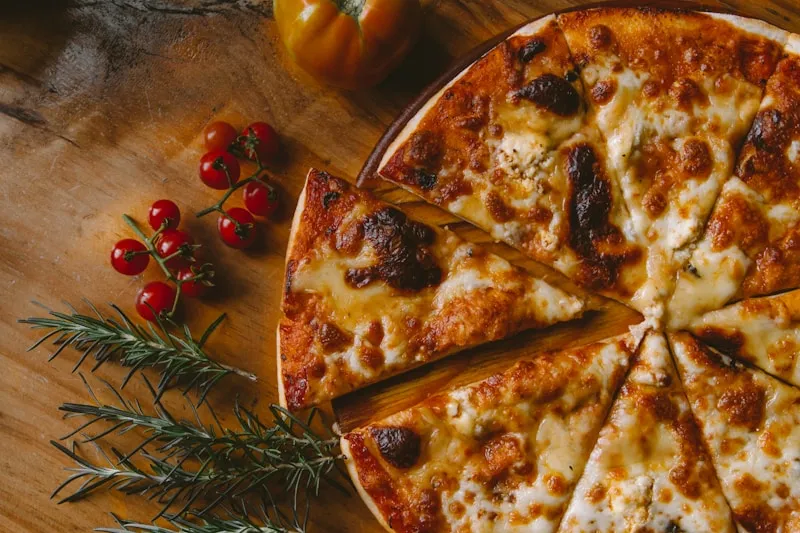
Grill · Turkish
Kebab shops
Late-night crowd, loyal regulars, and your own app for a flat monthly fee at published prices.
Learn more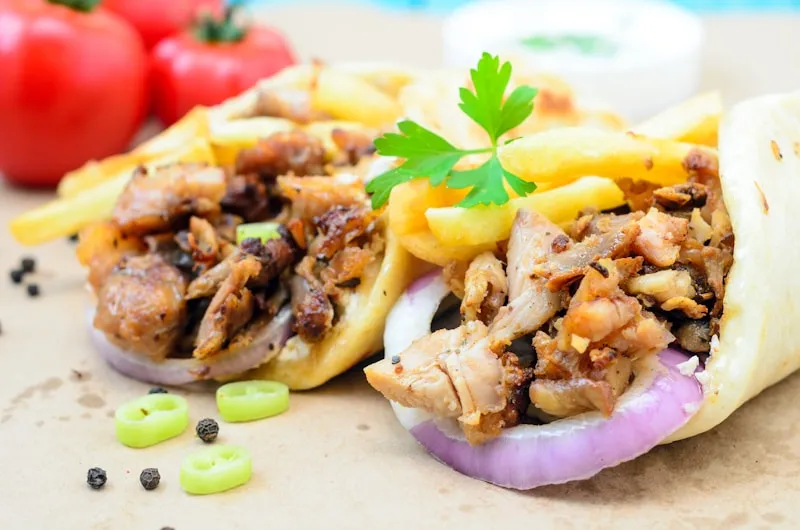
British · Pub
Gastropubs
Sunday roasts, craft burgers, local cask ales. One branded app.
Learn more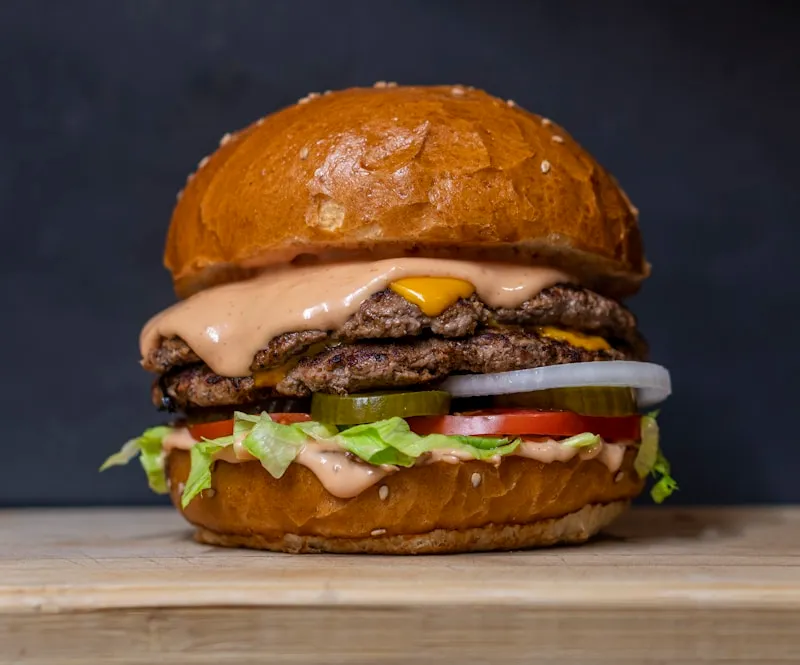
South Asian
Curry houses
Family ownership, generations of recipes. Orders through your own app, under your own name.
Learn more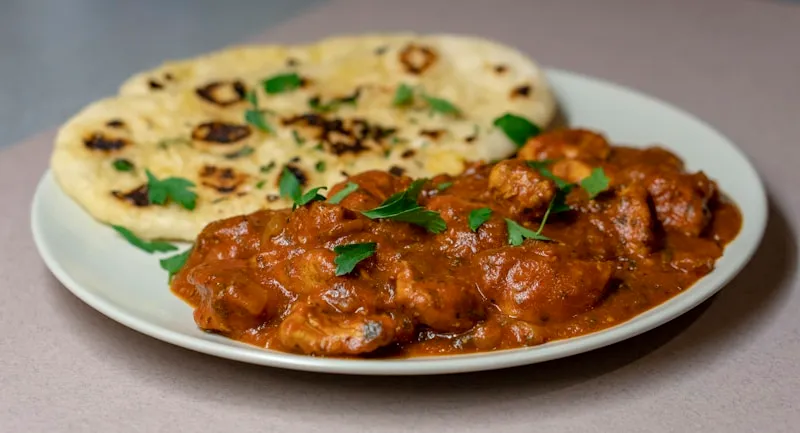
Coffee · Brunch
Cafés
Order-ahead brunch, loyalty stamps, coffee that keeps them coming back.
Learn more
Fish · Classic
Chippies
Friday-night queue buster. Orders through your own app. Every time.
Learn more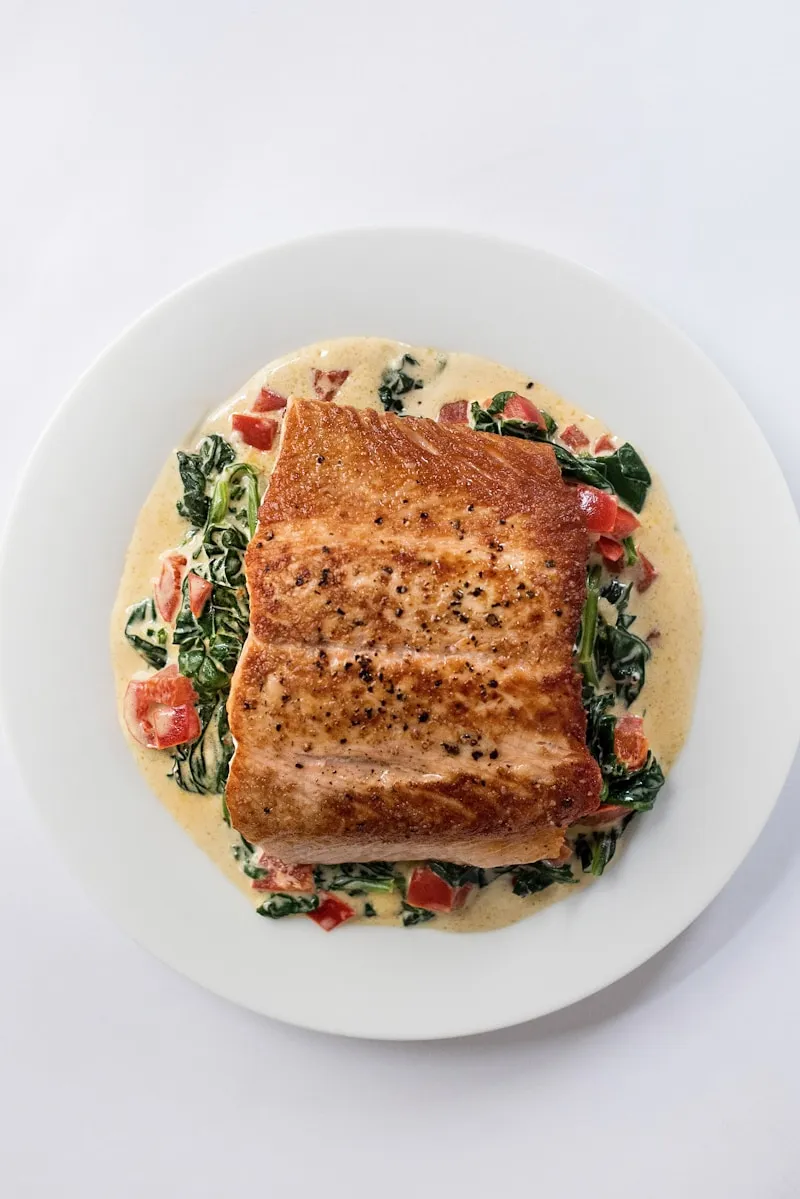
Italian
Pizzerias
Your Neapolitan, sourdough, or classic pie. Your regulars. Your app.
Learn moreGrill · Turkish
Kebab shops
Late-night crowd, loyal regulars, and your own app for a flat monthly fee at published prices.
Learn moreBritish · Pub
Gastropubs
Sunday roasts, craft burgers, local cask ales. One branded app.
Learn moreSouth Asian
Curry houses
Family ownership, generations of recipes. Orders through your own app, under your own name.
Learn moreCoffee · Brunch
Cafés
Order-ahead brunch, loyalty stamps, coffee that keeps them coming back.
Learn moreFish · Classic
Chippies
Friday-night queue buster. Orders through your own app. Every time.
Learn more