
Operations
Allergen Information for Online Ordering: The UK Rules for Takeaways (2026)
Photo: Cabri Caldwell on Unsplash
If you sell food online or by phone in the UK, information on the 14 regulated allergens must be available twice: before the customer completes the purchase, and when the food is delivered. It must be free and accurate. The law allows writing or speech at each stage; Food Standards Agency (FSA) best practice is written information at both. Natasha's Law labels do not apply to these sales. Summarised from FSA guidance on gov.uk, checked 28 October 2026; not legal advice.
Five checks for an online menu: every dish has a "Contains" line naming the specific nut or cereal; a message at the top asks customers to tell you about allergies, with a standard-rate phone number; allergy notes typed at checkout reach the kitchen in writing; each container carries a sticker, or the bag holds an allergen menu with matching dish names; marketplace listings say where the information is. Our free allergen matrix maker builds the written sheet.
What does the law say about allergens for food sold online or by phone?
The FSA calls a sale where customer and business are not in the same place "distance selling": the internet, including online takeaway aggregators, mail order, telephone or television. Order screens in a shop and drive-through screens do not count, because the customer is there.
For non-prepacked food, which covers most takeaway meals, the FSA's technical guidance says mandatory allergen information must be available to the consumer, for free, before the purchase is concluded and at the moment of delivery (Food allergen labelling and information requirements technical guidance, paragraph 86, checked 28 October 2026). The rule is Article 14 of Regulation (EU) No. 1169/2011 (assimilated law in Great Britain); the Food Information Regulations 2014 and their Welsh and Northern Irish equivalents set out how it is enforced, including the offences.
The FSA's business page says allergen information must be provided at two stages in the order process: before purchase, in writing or by phone; at delivery, as stickers, an enclosed menu or orally (Allergen guidance for food businesses, updated 17 July 2026).
| Stage | Legal minimum | FSA best practice | Examples the FSA gives |
|---|---|---|---|
| Before the purchase is completed | Information on the 14 allergens available free, in writing (website, catalogue, menu) or orally by phone | Written, on the main online menu or no more than "one click away" behind a clear message and link; if it cannot be kept current online, tell customers where to get it (such as by phone) and ask whether they need it before taking the order | A "Contains" statement per dish on the online menu; staff give it by phone, with customers clearly told they can get it that way |
| When the food is delivered | Available again at the moment of delivery, in writing or orally | Written, with the order, so the customer can check before eating; customisations marked; any risk of cross-contamination in transit explained | A sticker on each container ("Chicken satay: Contains: wheat, soy, fish, peanut"); an allergen menu in the bag with names that match the containers |
| Throughout | Current and accurate; no extra cost to the customer, so no premium-rate lines | A conversation backs up the written information | Free FSA allergy training and an allergen checklist for staff |
Food Standards Agency guidance on gov.uk, checked 28 October 2026: Allergen guidance for food businesses (updated 17 July 2026); Food allergen labelling and information requirements technical guidance (paragraphs 72 and 86 to 88); Allergen information for non-prepacked foods: best practice (published 24 February 2025, section 13). Applies to England, Wales and Northern Ireland.
Which 14 allergens must be declared?
You must tell customers if any of these 14 is used as an ingredient, additive or processing aid. People react to other foods too, but only these 14 must be declared by law (Allergen guidance for food businesses, checked 28 October 2026).
- Celery
- Cereals containing gluten: wheat (including spelt and Khorasan wheat), rye, barley and oats
- Crustaceans, such as prawns, crabs, lobster and crayfish
- Eggs
- Fish
- Lupin
- Milk
- Molluscs, such as mussels, oysters, scallops and squid
- Mustard
- Peanuts
- Sesame
- Soybeans
- Sulphur dioxide and sulphites, at more than ten parts per million
- Tree nuts: almonds, hazelnuts, walnuts, cashews, pecans, Brazil nuts, pistachios and macadamia nuts
In words, name the specific nut or cereal, as in the FSA's example "Chicken Tikka Masala (Contains: milk, nuts (almond))". Cover all 14, not the few you think matter most.
Prepacked, prepacked for direct sale or non-prepacked: which is your food?
The rules split food three ways, and the split decides what goes on the packaging. Most takeaway food is cooked and boxed after the customer orders, so it is non-prepacked: the FSA says food packed at the consumer's request is not prepacked for direct sale.
| Type | What it is | Takeaway examples | Sold over the counter | Sold online or by phone |
|---|---|---|---|---|
| Non-prepacked (loose) | Not in packaging, or packed after the customer orders | A burger made and wrapped after the order; an open carton of chips; battered fish in a glass display | Allergen information on the 14 allergens by any means: in writing, or orally with a clear sign saying how to get it | Available before the purchase is completed and at delivery, free |
| Prepacked for direct sale (PPDS) | Packed on the same premises before it is ordered or selected | Cartons of chips or nuggets under a hot lamp; breakfast or lunch boxes ready for sale; prepacked sandwiches or salad boxes; packaged burgers | Label with the name of the food and a full ingredients list, allergens emphasised (Natasha's Law, since 1 October 2021) | The ingredients-list label rule does not apply; allergen information before purchase and at delivery |
| Prepacked | Packed at another site or by another business | Bought-in items that arrive already labelled, for example a packaged dessert (our example) | Full label: name, ingredients list, allergens and other mandatory details | The same allergen information as in a shop, for example on the website, before purchase and at delivery |
FSA guidance on gov.uk, checked 28 October 2026: Prepacked for direct sale (PPDS) allergen labelling changes for fast food and takeaway restaurants (published 9 July 2021); Introduction to allergen labelling for PPDS food (updated 17 July 2026); technical guidance paragraphs 72, 80 to 81, 98 and 103 to 104.
Does Natasha's Law apply to takeaway orders placed online?
Natasha's Law is the common name for the labelling rules on food prepacked for direct sale, in force across all four UK nations since 1 October 2021. The label must carry the name of the food and a full ingredients list with the 14 allergens emphasised, for example in bold or capitals.
For an online or phone order, no. The FSA says the labelling change does not apply to PPDS food sold by distance selling; those sales follow the two-stage rule instead (Introduction to allergen labelling for PPDS food, section 4, checked 28 October 2026). The catch is the counter: boxed chips under a hot lamp or sandwiches in a chiller for walk-in customers need full PPDS labels there.
Two counter details from the FSA's takeaway guidance: PPDS rules apply to free food, so prawn crackers packed before anyone orders need a label, and a sauce pot under 10 cm² on its largest surface can carry a "Contains" statement instead of a full label, with the ingredients available another way. Free extras in a delivery bag need allergen information too.
How to set up allergen information in an ordering app or website
The law sets the outcome; the ordering system is where most of it happens. These steps follow the FSA's best practice guidance and work on any platform.
1. Put a "Contains" line on every dish
Write the allergens into each item's description in the FSA format: "Chicken Salad (Contains: milk, egg, mustard)". Symbols need the allergen name or a key. For dishes built from parts, list each part as the FSA's burger example does (bap: wheat, eggs, sesame; coleslaw: egg, celery, mustard), so a customer can drop the coleslaw rather than the dish. If an extra changes the allergens, say so on the extra.
2. Keep it on the menu, or one click away
On your own website, best practice is allergen information on the main menu, or no more than one click away behind a clear link. If you cannot keep it current online, tell customers where to get it, such as by phone, and ask before taking the order. Keep a printed copy too, for anyone who cannot use the online version and as a backup.
3. Ask the question at the top of the menu
The FSA's tested wording is: "Please talk to us if you have a food allergy, intolerance or coeliac disease. We want to cater safely for everyone." Put it at the top of the online menu with your phone number, which must not be a premium-rate line.
4. Get the allergy to the cook in writing
For digital orders, the FSA says the customer's allergy information should reach the person preparing the food in writing, with confirmation they have understood it. Check that a note typed at checkout prints on the kitchen ticket, not only the receipt, decide who rings the customer back, and make it a rule that nobody guesses at an ingredient.
5. Put it in the bag
Use a "Contains" sticker on each container, or a printed allergen menu in the bag with names that match the containers. Mark customisations such as "no sesame". A dated A4 sheet from the allergen matrix maker can be the enclosed menu, as long as its dish names match what is written on the containers.
6. Cover your marketplace listings
On a marketplace app, the FSA says customers should be told where allergen information is before they order: on the marketplace where it allows it, or on your own website. Every food business is responsible for the accuracy of its allergen information, so an old listing is still yours to correct.
How do you keep online allergen information accurate?
The FSA calls accurate allergen information a legal requirement. The online risk is drift: a supplier changes a product, a new sauce goes on, and the website still shows last season's allergens. The FSA's ways to stay accurate:
- Keep ingredient records and specification sheets, with ingredients in original or labelled containers.
- Check regularly whether products have changed; treat a supplier swap as a menu change.
- Minimise last-minute substitutions, and update the information when one happens.
- Record recipes so each dish is made the same way every time.
- Use approved suppliers who agree to tell you about allergen changes.
- Train staff: the FSA says staff must receive allergen training, and offers free training online.
Be careful with free-from claims: the FSA's example is that gluten-free chips cannot be cooked in oil already used for battered fish. If you cannot avoid cross-contamination, say so instead.
Who enforces it, and what happens if you get it wrong?
Local authorities enforce the rules. Ignore their advice and an improvement notice may follow, with 14 days to appeal and a penalty if it is not met; in some cases businesses may also face prosecution (Allergen guidance for food businesses, checked 28 October 2026). A conviction under the Food Information Regulations 2014 can bring a potentially unlimited fine, set by magistrates (technical guidance, paragraph 108).
The FSA guidance applies in England, Wales and Northern Ireland; in Scotland, read Food Standards Scotland's guidance at foodstandards.gov.scot. The best practice guidance was due for review in September 2026, so check gov.uk for changes.
How allergen information works on Aexir
Aexir is an online ordering system for independent restaurants and takeaways: their own branded iOS and Android ordering app, ordering website and browser till (POS on the Go), for a flat monthly fee at published prices. Every Aexir menu item has its own description where you list allergens, customers can see it before ordering, and you can update it from your dashboard as soon as a recipe or supplier changes.
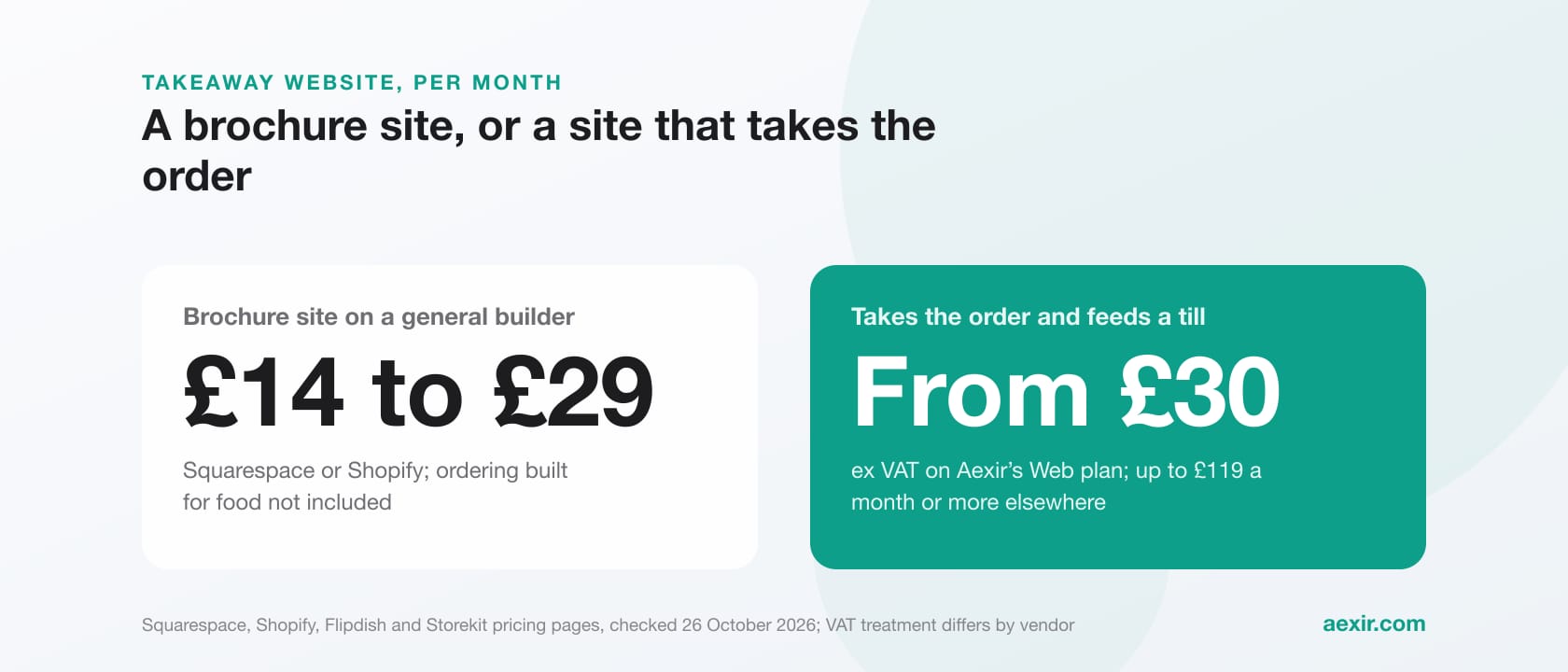
The software shows the information; the kitchen keeps it true, and the legal duty stays with the food business. Plans start at £30 a month ex VAT; see the pricing page.
Build your 14-allergen sheet
Type your dishes, tick the 14 allergens and print a dated A4 matrix for the bag, the counter and the kitchen. Free, no sign-up.
Open the allergen matrix makerTalk to a real person about switching
Common questions answered.
The law requires allergen information to be available before the purchase is completed, and allows it by phone if customers are clearly told how to get it. FSA best practice is written information on the online menu, or one click away, and again at delivery (gov.uk, checked 28 October 2026).
Allergen information must be available again at delivery. The FSA's examples are "Contains" stickers on containers, or an enclosed allergen menu that matches the container names. The law also allows it orally; best practice is in writing.
No. The FSA says the PPDS labelling rules known as Natasha's Law do not apply to food sold online or by phone; those orders need allergen information before purchase and at delivery. The rules do apply to food you pack before it is ordered and sell over the counter.
Usually not. Food packed after the customer orders is non-prepacked, even in a box. It is PPDS when packed on the premises before it is ordered, such as chips boxed under a hot lamp; sold over the counter, it then needs a label with the name of the food and a full ingredients list.
Celery, cereals containing gluten, crustaceans, eggs, fish, lupin, milk, molluscs, mustard, peanuts, sesame, soybeans, sulphur dioxide and sulphites (above ten parts per million) and tree nuts. Name the specific cereal or nut, for example "nuts (almond)".
The food business is. The FSA says every food business is responsible for the accuracy of the allergen information it provides; the platform only displays it, so check what customers see before checkout.
Build your own restaurant app.
Aexir launches branded ordering apps for UK restaurants in under 30 days. A flat monthly fee at published prices. From £1/day.